Secure Management
CRM Admin Panel
Control users, roles, permissions, and CRM settings from one place - built for clear ownership, security and scalable teams.
Admin Control & Governance
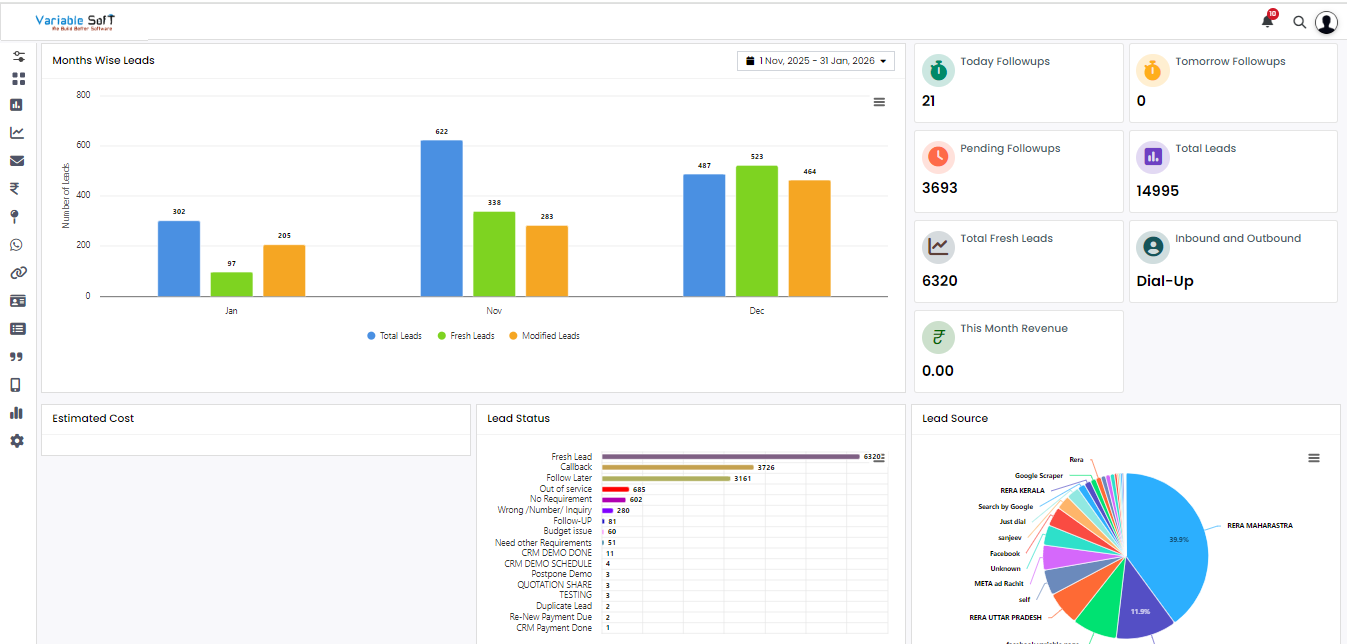
The admin panel is where you set the rules for how your team uses VSCRM. From onboarding users to controlling what each role can view or update, the admin experience helps you keep your process consistent and your data protected as your team grows.
Administrators can create roles (for example: manager and executive), assign permissions, configure workflows and review activity to ensure follow-ups, lead ownership and reporting stay accurate.
Key responsibilities include:
- Create and manage users, roles and access permissions
- Set up team structure (branch / territory / reporting lines)
- Configure CRM settings and workflow rules
- Review activity, lead ownership and process compliance
Manager Role (ABM)
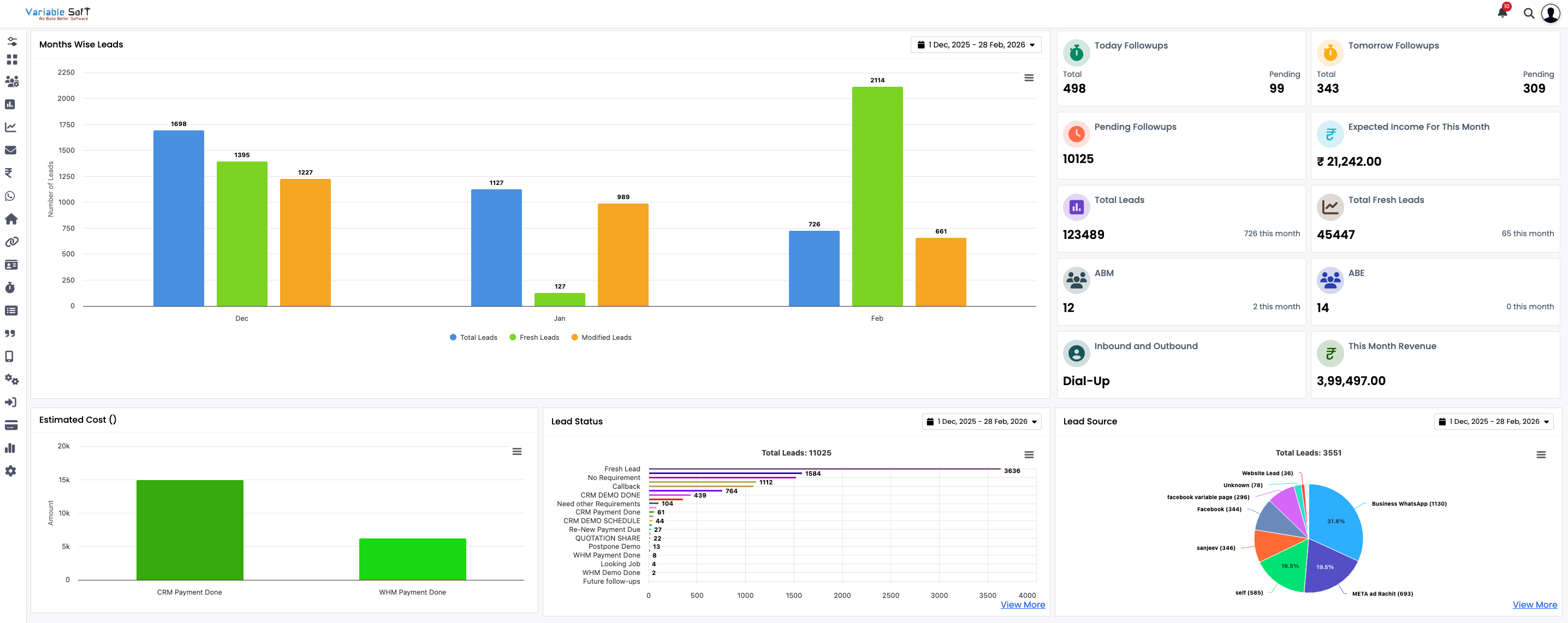
Managers typically oversee a team of executives. They can monitor lead status, follow-up discipline and pipeline movement for their team based on the access granted by the administrator. This helps managers coach performance, keep response times tight and ensure leads are handled with clear ownership.
Key responsibilities include:
- Monitor team activity and lead status
- Assign leads and ensure timely follow-ups
- Review performance reports and trends
- Handle escalations and approvals as needed
Executive Role (ABE)
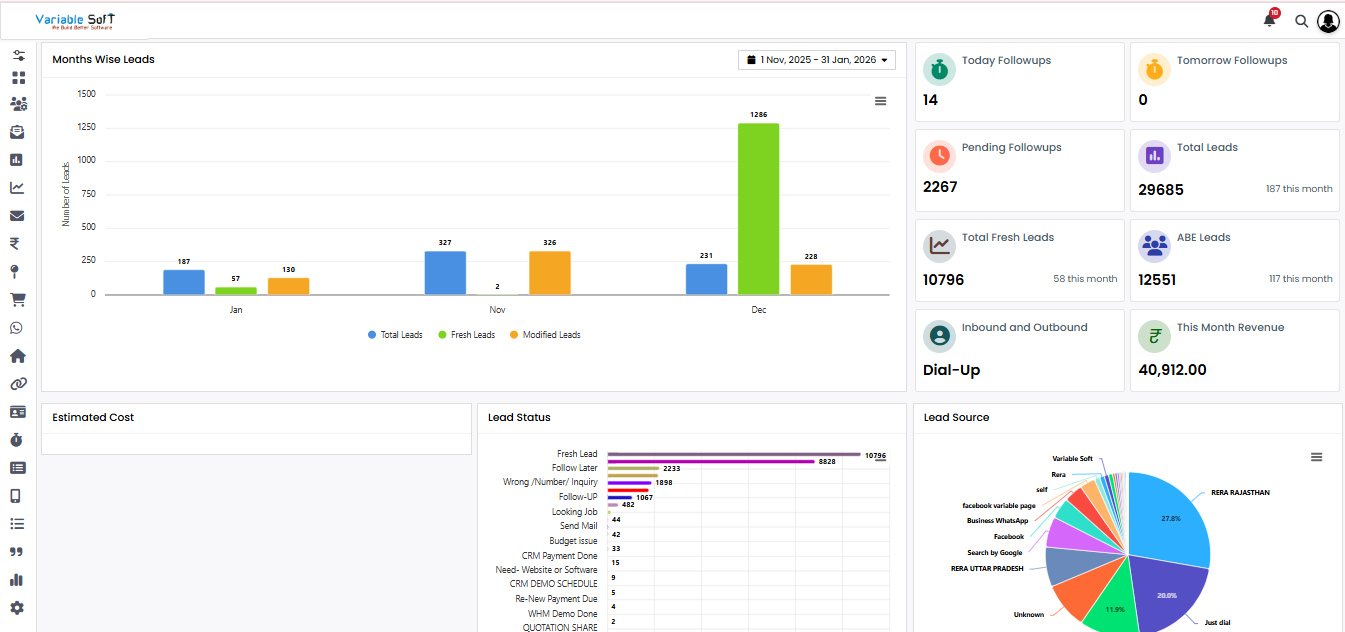
Executives work on assigned leads and accounts. They can update lead progress, log calls and meetings, schedule follow-ups, and move opportunities through stages. Access stays limited to their assigned records so accountability is clear and data stays clean.
Key responsibilities include
- Work assigned leads and customers
- Record interactions and update CRM status
- Schedule follow-ups and next actions
- Share updates with the reporting manager